

The AI Image Generation Landscape: A Deep Dive
Discover the future of AI image generation with groundbreaking techniques and key players like Stable Diffusion and DALL-E, shaping a new era of visual creativity
Create stunning images, videos & talking avatars — 62 one-tap studios. No prompts.


Just a selfie or any picture.
Tap chips — no prompt to write.
Download & share in seconds.
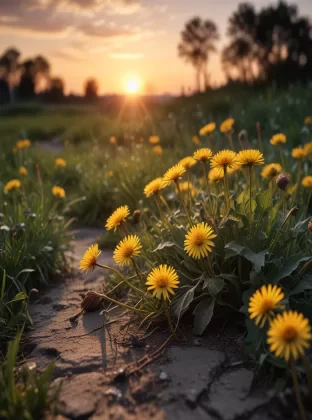
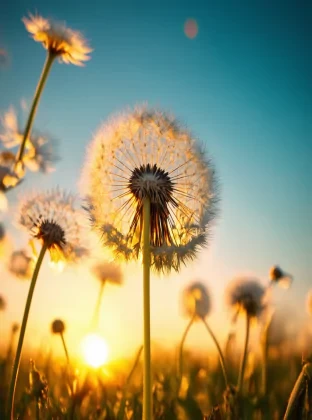
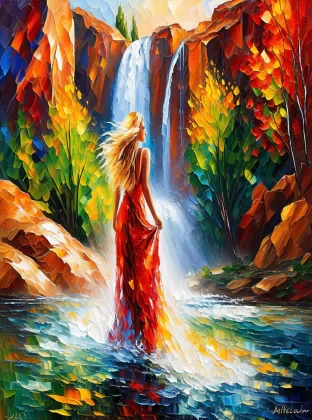
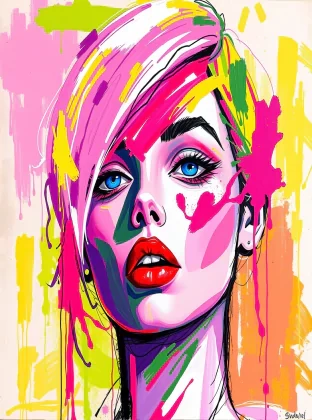
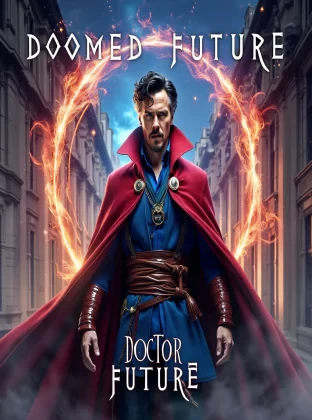
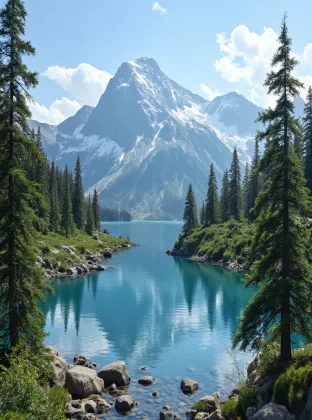
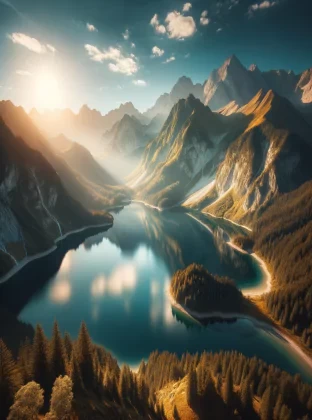
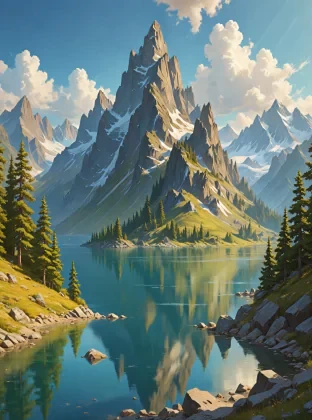
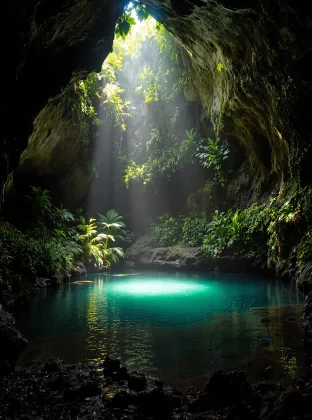
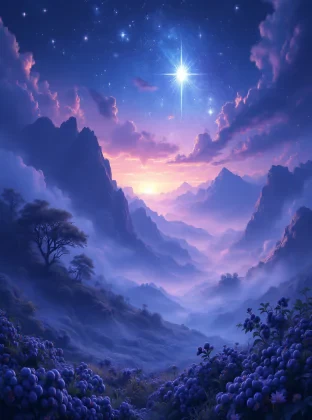
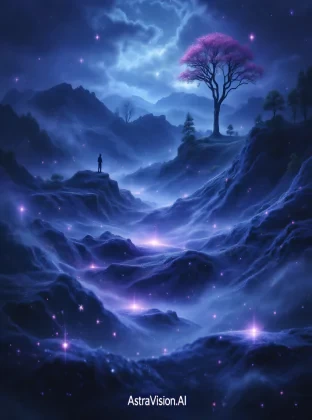
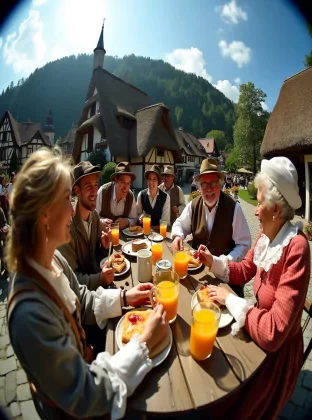
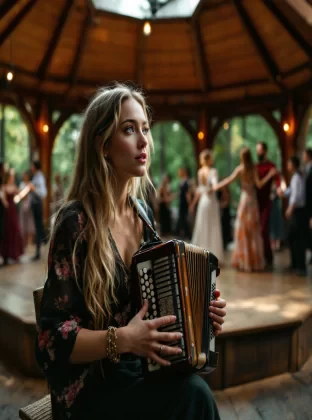
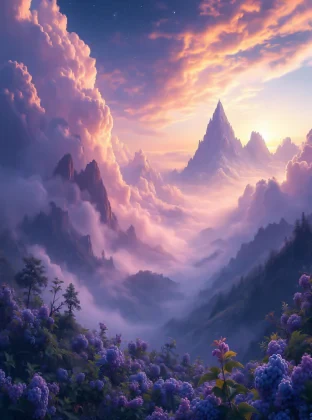
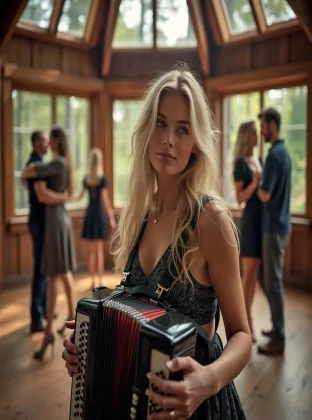
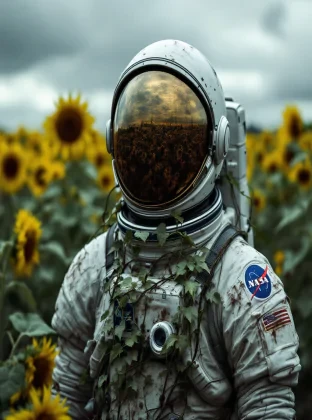
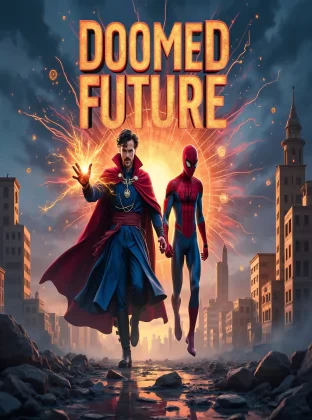
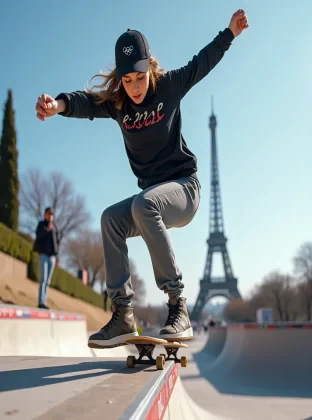
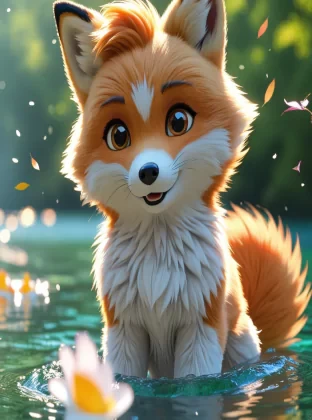
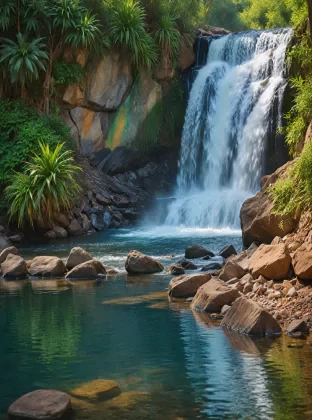
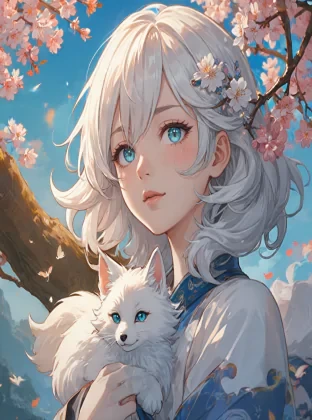
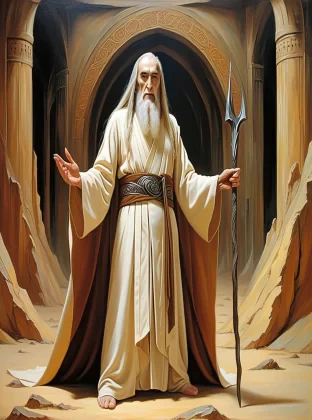
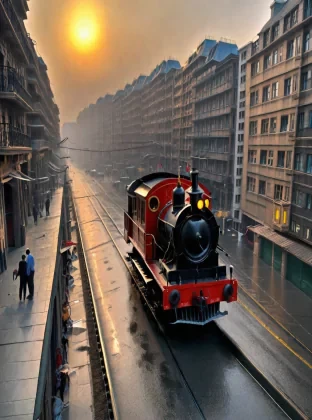
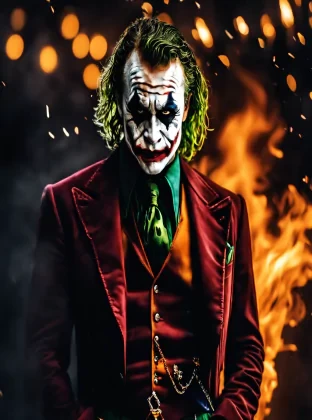
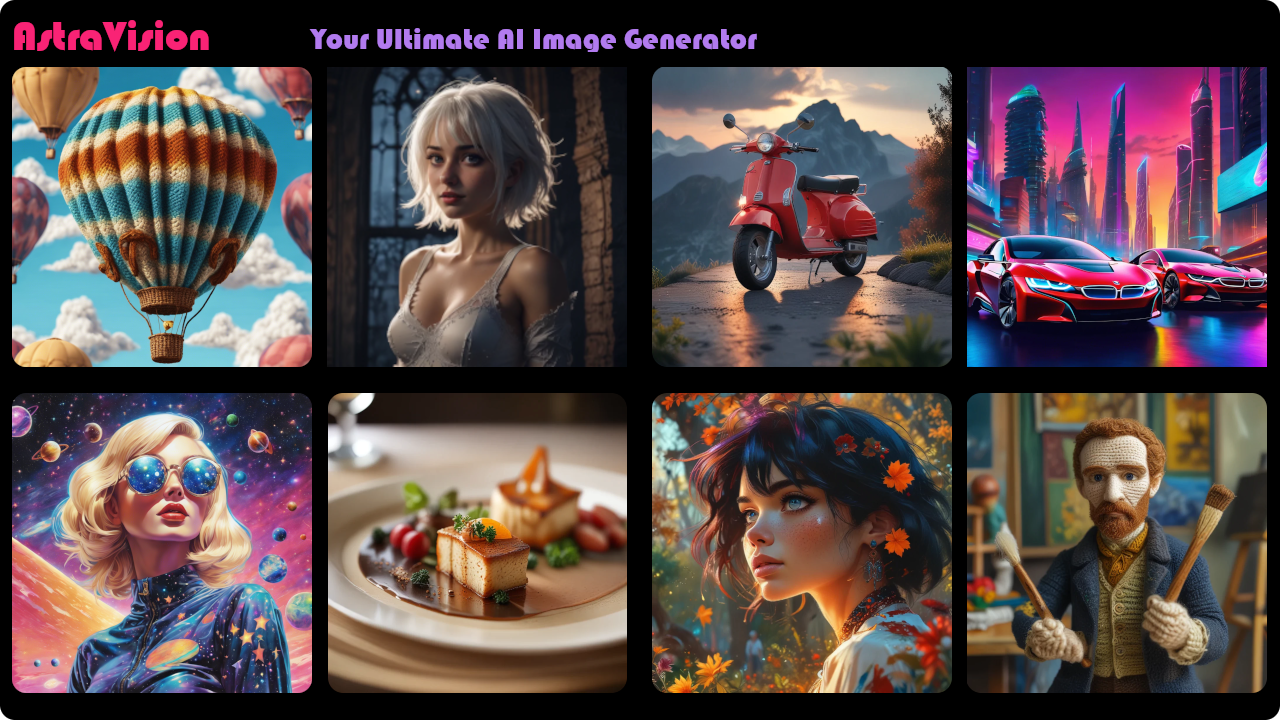
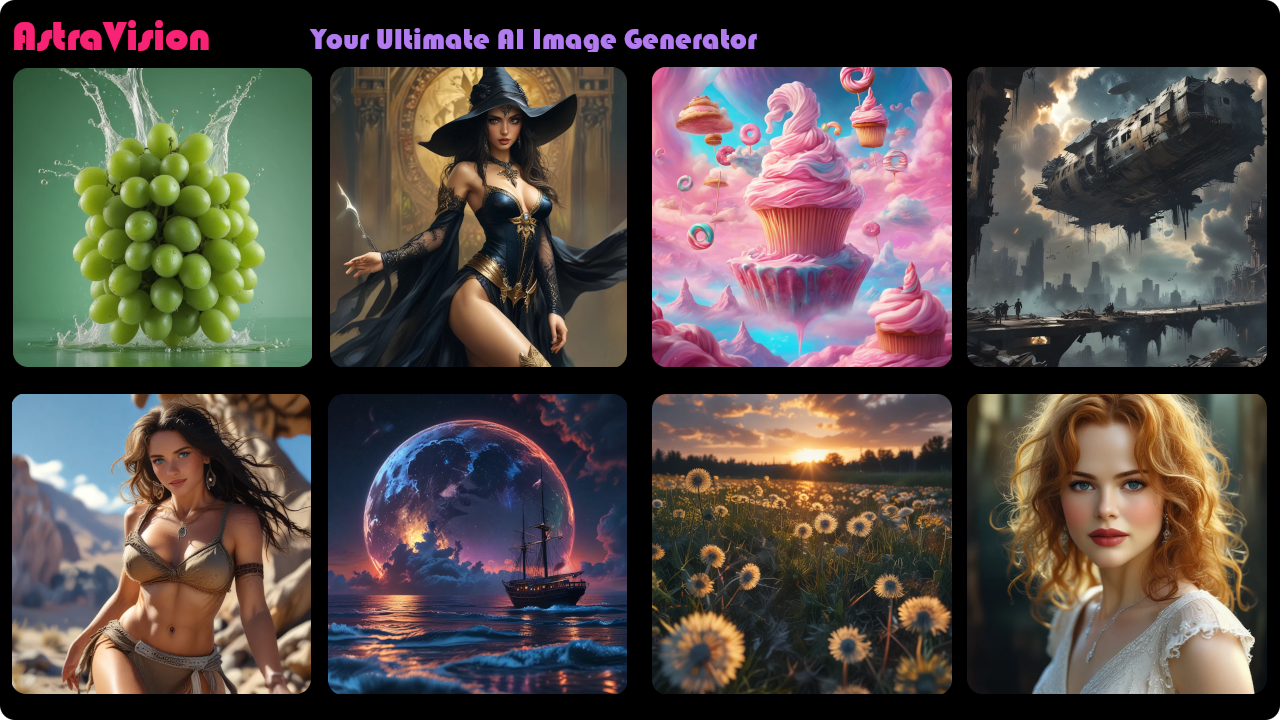
A selection of images created with AstraVision.
Made with GPT Image 2.5 Sunburst
Made with GPT Image 2.5 Sunburst
Made with GPT Image 2.5 Sunburst
Made with Google-NB 2 Lite
Made with G-Image 2
AI-generated image
AI-generated image
Made with FLUX Pro Ultra
AI-generated image
AI-generated image
AI-generated image
AI-generated image
AI-generated image
AI-generated image
AI-generated image
AI-generated image
Made with FLUX Pro Ultra
AI-generated image
AI-generated image
AI-generated image
AI-generated image
AI-generated image
AI-generated image
AI-generated image
AI-generated image
Made with FLUX Dev
AI-generated image
AI-generated image
AI-generated image
AI-generated image
AI-generated image
AI-generated image
Explore the unparalleled features of AstraVision, designed to bring your creative visions to life. Dive into a world of innovation and creativity with tools that are as powerful as they are easy to use.
Turn a simple prompt into striking, high-resolution images using 21 premium AI models — from FLUX and GPT Image to Grok Imagine and Nano Banana Pro.
Bring ideas to motion — generate video from a text prompt or animate a still image into smooth, share-ready clips.
Give any portrait a voice. Create lip-synced talking avatars from a script or your own audio in minutes.
One-tap themed studios do the prompting for you — Star Selfie, Pro Headshots, Photo Restore, Storybook and dozens more.
Pick the perfect engine for every look and budget, and switch between best-in-class models whenever you like.
Create in any aspect ratio — square social posts, tall portraits, wide banners and print-ready resolutions.
A fully bilingual experience in English and Arabic, with native right-to-left support across the whole app.
Every creation is saved to your private gallery — revisit, download or share your work anytime, from anywhere.
Choose a plan that fits your workflow and top up with one-time credit packs whenever inspiration strikes.
62 one-tap studios — upload a photo, pick your options, and download in seconds. No prompts to write.
Welcome to the AstraVision FAQ section! Here, you will find answers to the most common questions about our AI image generation app.
Yes, you can save and download all the images you create with AstraVision. After generating an image, you will have the option to save it to your account and download it in various formats. This makes it easy to use your images for different purposes, from social media posts to print projects.
The number of images you can generate depends on your subscription plan. The Standard plan allows a basic number of image generations per month, while the Premium, and Elite plans offer increased limits and additional features. Check your plan details for specific limits and upgrade if you need more capacity.
AstraVision generates in three ways, and the range is wide.
62 studios put your photo into a finished, art-directed scene: professional headshots, magazine and film covers, product and interior photography, wedding and event invitations, album art, movie posters, children's storybook pages, toy and action-figure versions of you, and the looks that are trending right now.
22 Quick Transforms restyle the photo you already have — era photography, cartoons and caricatures, superhero and game-character versions, and more.
And the open AI Image Generator generates from a description you write. It draws on 21 active image models, including OpenAI's GPT Image 2 and GPT Image 2.5, Google's Gemini image models, Black Forest Labs' FLUX family, ByteDance's Seedream 4.5 and 5, xAI's Grok Imagine, MiniMax image-01, Z-Image Turbo and P-Image Try-On — in square, portrait, landscape and wide banner formats, and up to 4K resolution on the models that support it.
Create a free account and you land on the studio shelves. Pick a studio — AI Professional Headshots, say — upload one photo, and tap through the options: the look, the lighting, the framing, the crop. Every option comes with a written description of what it does, so you know what you are choosing. Press Generate and your image is ready to download in seconds.
There is no prompt to write. And if you would rather describe what you want yourself, open the AI Image Generator from the same dashboard: type your description, choose an engine and an image size, and generate from text.
If you encounter any issues while using AstraVision, please contact our support team. You can reach us through the "Support" section on our website, where you can submit a ticket detailing your problem. Our team is committed to resolving issues promptly and ensuring you have a smooth experience with our website/app. You can always e-mail us through support(at)astravision.ai
Not on AstraVision, and you never have to think about one.
A "negative prompt" is a list of the things you do not want in an image — "blurry", "extra fingers", "watermark". It comes from an older generation of AI models that had to be steered twice: once towards what you wanted, and once away from what you did not.
Two things make it unnecessary here. First, you are not writing the prompt at all: each studio already carries a written quality guard — instructions that keep the render clean — so there is no list for you to look after. Second, the models behind most of the site follow instructions closely enough that a written list of negatives adds very little.
If a result is not what you wanted, the fix is the same one that got you there: change an option, or pick a different studio, and generate again. And if you use the open AI Image Generator, you can write whatever you like in the description box.
When it comes to generating images with AI, encountering a blurry output or a 403 error can indeed be puzzling. The blurriness often occurs as a safety measure, where the AI intentionally blurs the image to protect privacy or prevent the creation of inappropriate content. This is especially true if the image contains human-like figures. On the other hand, a 403 error indicates that the content moderation system has flagged the request. This doesn't mean you've done something wrong; it's just the AI being extra cautious to maintain a safe and respectful environment for all users. As AI technology continues to advance, these instances should become less frequent, allowing for a smoother and more enjoyable image generation experience. Remember, the goal is to foster creativity while ensuring a responsible use of the technology.
Signing up is free, and we do not ask for a credit card.
The free Starter plan includes 20 images, plus starting credits for the AI studios, the advanced image models and talking avatars. There is no charge and nothing to cancel.
Two things do need a paid plan or a credit pack: video generation, and the more expensive studios — both cost more credits than the free allowance carries.
When you want more, upgrade to Standard, Premium or Elite, or buy a credit pack without changing your plan.
No — studios are one-tap. Upload a photo, pick your options, and download in seconds. No prompts to write.
A handful of studios do ask for a short line of text that appears on the image itself — a nameplate, a date stamp, the names on an invitation. That is text for the picture, not a prompt for the model. See the full list.
We do not keep it.
Your photo is read into memory, converted into an in-memory image format, and sent straight to the AI model that renders your picture. It is used for that one generation and nothing else. It is never written to our file storage and never saved into our database, and it is discarded as soon as the generation finishes. There is no copy of your source photo for us to retrieve later — or for anyone who gained access to our systems to find. To generate from the same photo again, you upload it again.
Your photo does pass through the AI provider that renders it — the companies behind the image models, such as Google, OpenAI, Replicate, xAI, MiniMax and ByteDance — for that single generation. They are listed as processors in our Privacy Policy.
What we do keep is the result. The image, video or avatar we made for you stays in your gallery until it reaches the expiry date your plan sets, after which our automated cleanup removes it. You can delete any item yourself at any time, and deleting your whole account is a hard delete — your profile, your history and your stored media all go.
You can read the full detail in Section 3 of our Privacy Policy, which is the authoritative wording if anything here is ever out of date.
Stay updated with the latest trends, tips, and insights in AI image generation and digital creativity on the AstraVision blog. Explore expert articles, tutorials, and inspiring stories to fuel your creative journey.
Discover the future of AI image generation with groundbreaking techniques and key players like Stable Diffusion and DALL-E, shaping a new era of visual creativity
Step into the world of AstraVision, the nexus of creativity and technological advancement! AstraVision is at the forefront of a visual revolution, crafting a new era of image generation.